Video Studio
Generate videos using AI models
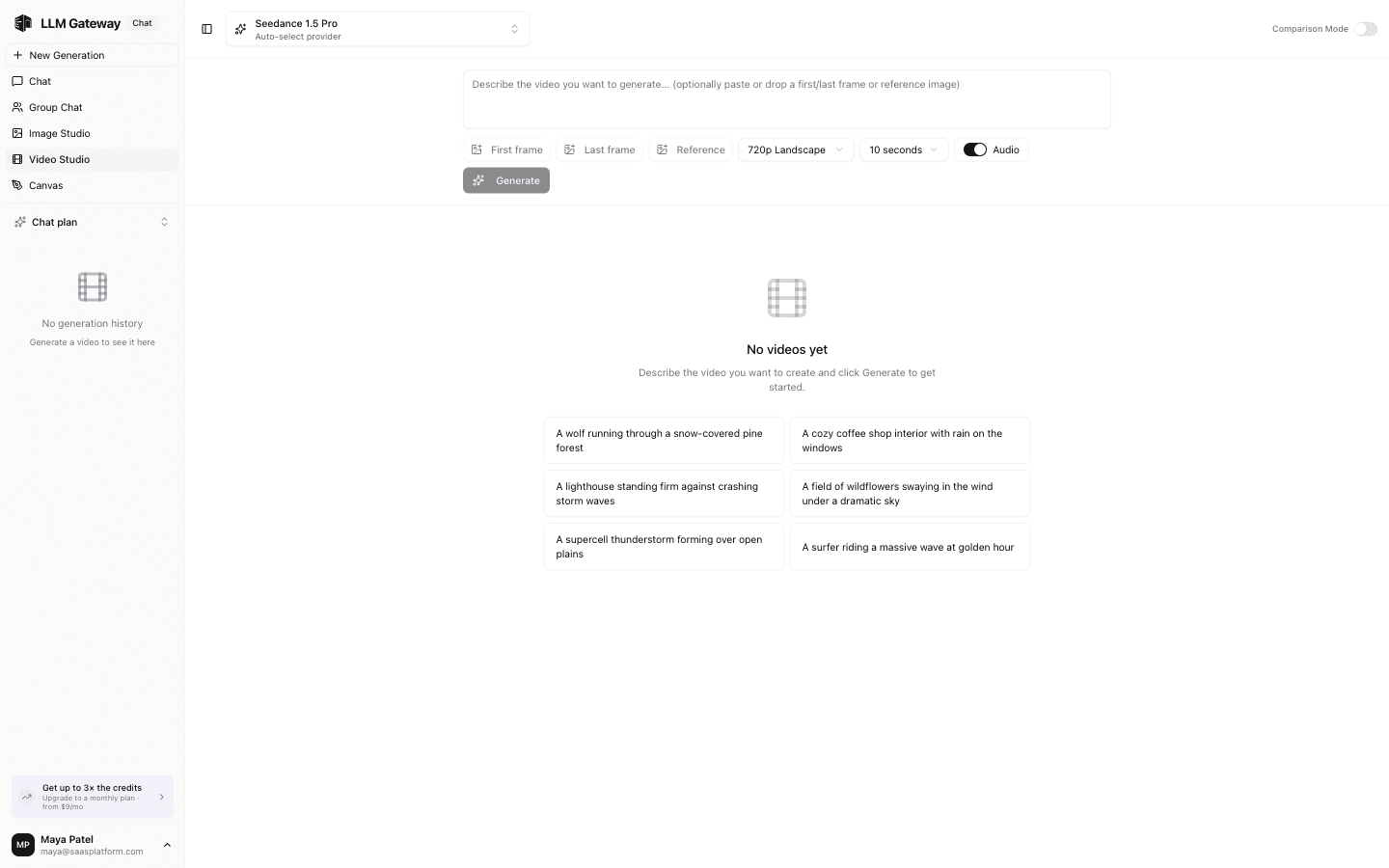
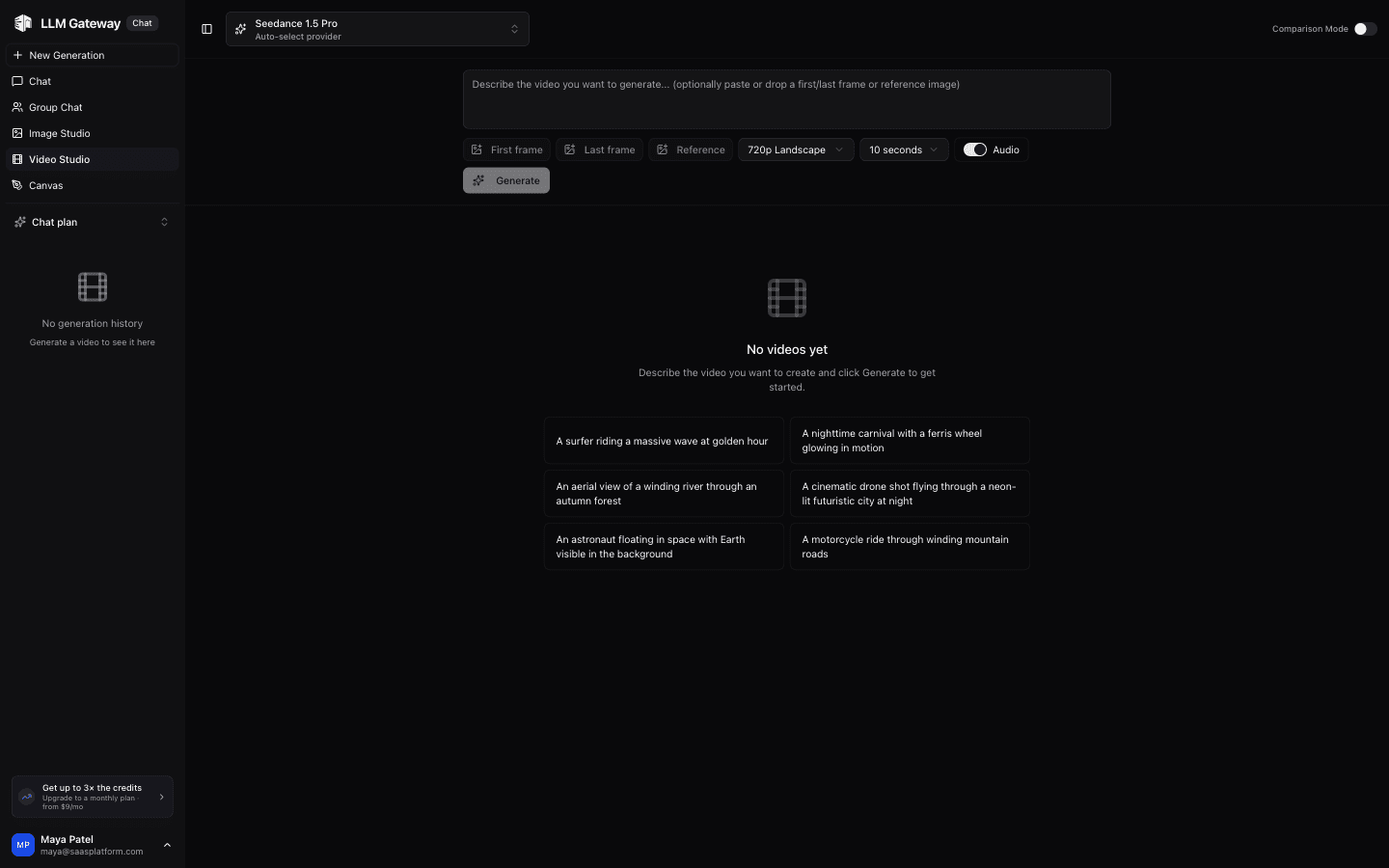
The Video Studio lets you generate videos using AI models. Select a model, describe what you want, and get video results.
Model Selection
Choose from supported video generation models in the dropdown. Each model has different capabilities, resolutions, and pricing.
Generating Videos
- Select a video generation model
- Type a description of the video you want
- Click send to generate
- Generated videos appear in the conversation
Generation settings
The controls under the prompt adapt to the selected model (or, in compare mode, to what every selected model supports):
- Resolution and aspect ratio are separate pickers. Only combinations the model accepts are offered, and the exact output size (for example 1920×1080) is shown next to them.
- Duration lists only the lengths the model supports. Some models allow fewer durations for image-to-video than for text-to-video, so the list changes once you add a frame.
- Audio can be toggled when the model supports both silent and audio output; otherwise it is fixed.
- First frame and last frame are offered only on models that accept them. A last frame requires a first frame, and models that only take a starting image do not show the last-frame button.
- Reference images, videos and audio appear on models that support them.
The estimated cost of the generation (summed across compared models) is shown next to the Generate button. Before submitting, the gateway requires your organization to have at least the estimated cost (and never less than $1.00) available after subtracting what its still-running video jobs have already reserved; otherwise the request is rejected before anything is generated.
iOS client
The iOS client under development includes Video Studio. Compare up to three models, choose supported size and duration settings, and add starting/ending frames or reference media where supported. Provider and region selections determine the available options.
Jobs continue in the background. Reopen a saved job from video history to check its status, play the result, or save/share the video through iOS. If saving a job to history fails, retry saving before starting another generation. Video availability depends on the provider's retention window.
How is this guide?
Last updated on