Empryo Integration
Connect Empryo to PassingRight with browser login, choose a model, and verify a real coding task.
Empryo is a coding agent with a terminal interface, desktop app, and headless CLI. PassingRight is built in. This walkthrough was verified with Empryo 3.4.13-beta: browser authorization with a DevPass workspace, plus a coding task using an existing gateway API key.
Video walkthrough
Install
Use the official installer or release downloads, then verify the installed version:
empryo --versionLog in with your browser
Start Empryo in your project:
cd your-project
empryo
Type /login to connect a pay-as-you-go PassingRight account. For a DevPass subscription, use /login llmgateway-devpass.
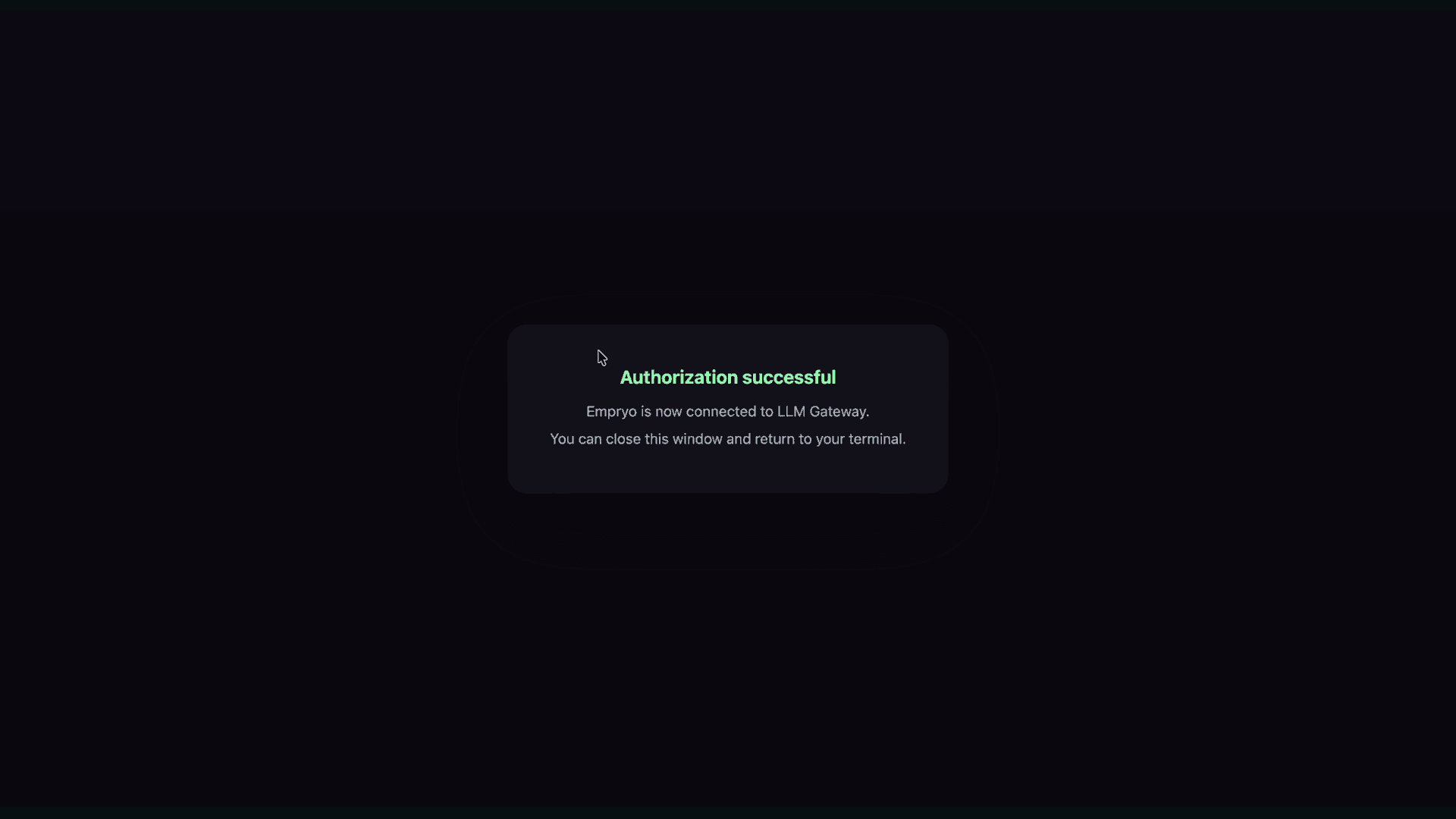
The agent opens the gateway's authorization page in your browser. Check the account and project, then approve the connection. Approval creates an API key and returns it to Empryo through a local callback. Keep the terminal running until the callback finishes.
You can start the same flow directly from the shell:
empryo --login llmgateway
# For a DevPass subscription:
empryo --login llmgateway-devpass
If the browser reports an active-key limit, manage your organization's API keys in the dashboard before starting the login flow again. If the local callback expires, restart login to get a fresh authorization link.
Choose a model
Open /models and select a compatible model under PassingRight. The picker reads model information from the gateway; use the live catalogue to check current capabilities.
The recorded coding example uses llmgateway/deepseek-v4-flash. The leading llmgateway/ identifies the agent's provider. The remaining model ID is canonical and can also be used with DevPass plan routing.
Use an existing API key
For scripts or an existing gateway credential, export the key before starting Empryo:
export LLM_GATEWAY_API_KEY="your_api_key"
empryo
Empryo uses LLM_GATEWAY_API_KEY, including the underscore between LLM and GATEWAY. You can also enter a key through /keys.
A browser login issues a new credential; it does not reuse a key you already copied from the dashboard.
Verify the connection
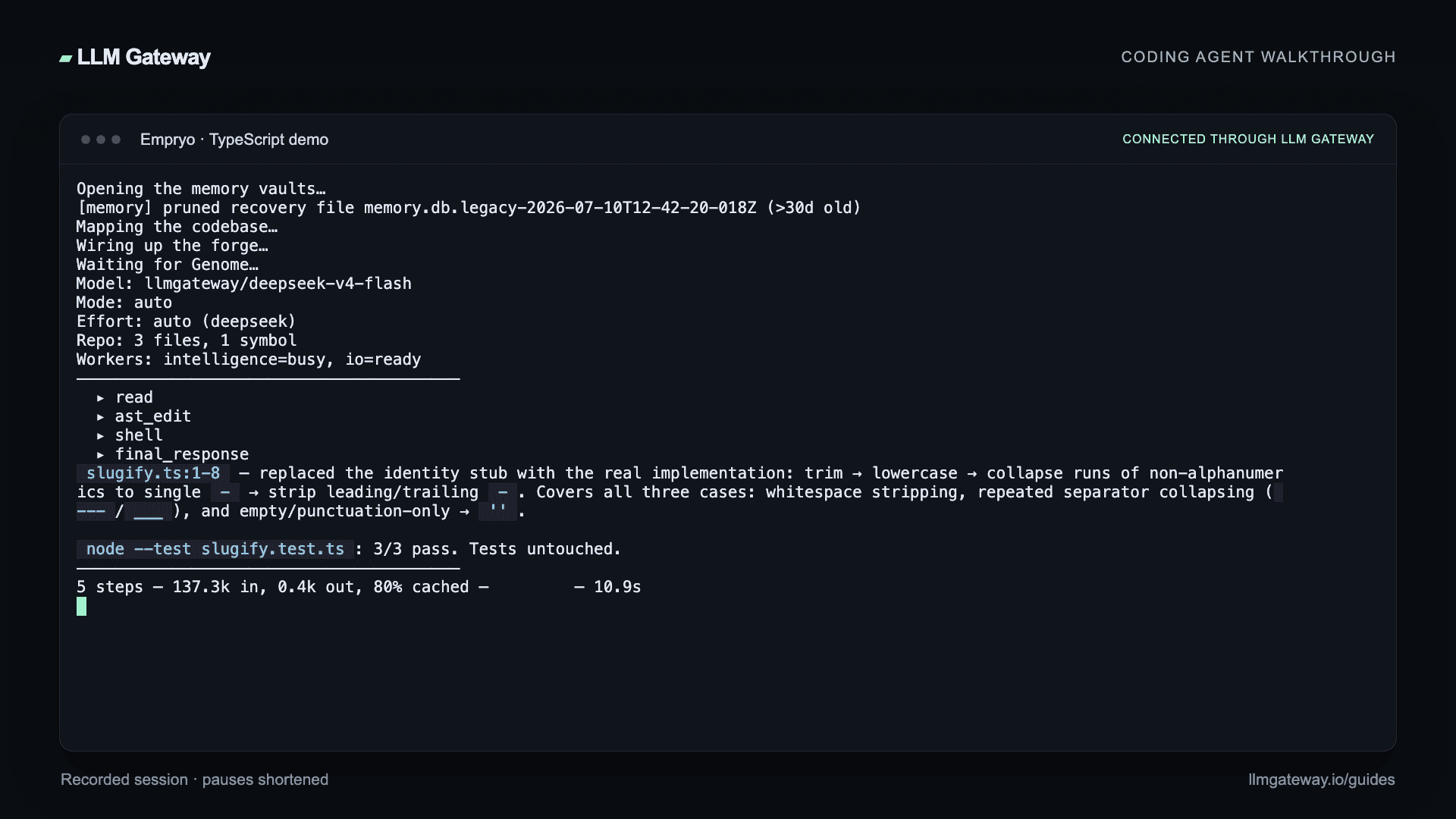
Ask the agent to read a file, make a small edit, and run the project's tests. Our example fixes a TypeScript slugifier without changing its tests. All three tests pass: title conversion, repeated separators, and empty or punctuation-only input.
For a headless task:
empryo --headless --model llmgateway/deepseek-v4-flash \
  "Fix the failing test and run it again"
Review the diff and test output, then check the request in your dashboard. Empryo tags gateway requests with x-source: empryo for attribution.
See the Empryo documentation for desktop setup and other agent features.
How is this guide?