Guides
N8n Integration
Connect n8n workflow automation to PassingRight for AI-powered workflows
n8n is a powerful workflow automation tool that can be enhanced with AI capabilities through PassingRight. This guide shows how to integrate PassingRight into your n8n workflows.
Using DevPass? This integration also works with a
DevPass plan key. Use canonical model IDs
without a provider prefix (claude-sonnet-4-5, not
anthropic/claude-sonnet-4-5) — provider-pinned routing is not available on
coding plans; the gateway picks the provider for you.
Prerequisites
- An PassingRight account with an API key
- n8n instance (self-hosted or cloud)
- Basic understanding of n8n workflows
Setup
The easiest way to use PassingRight with n8n is through the OpenAI node with custom configuration.
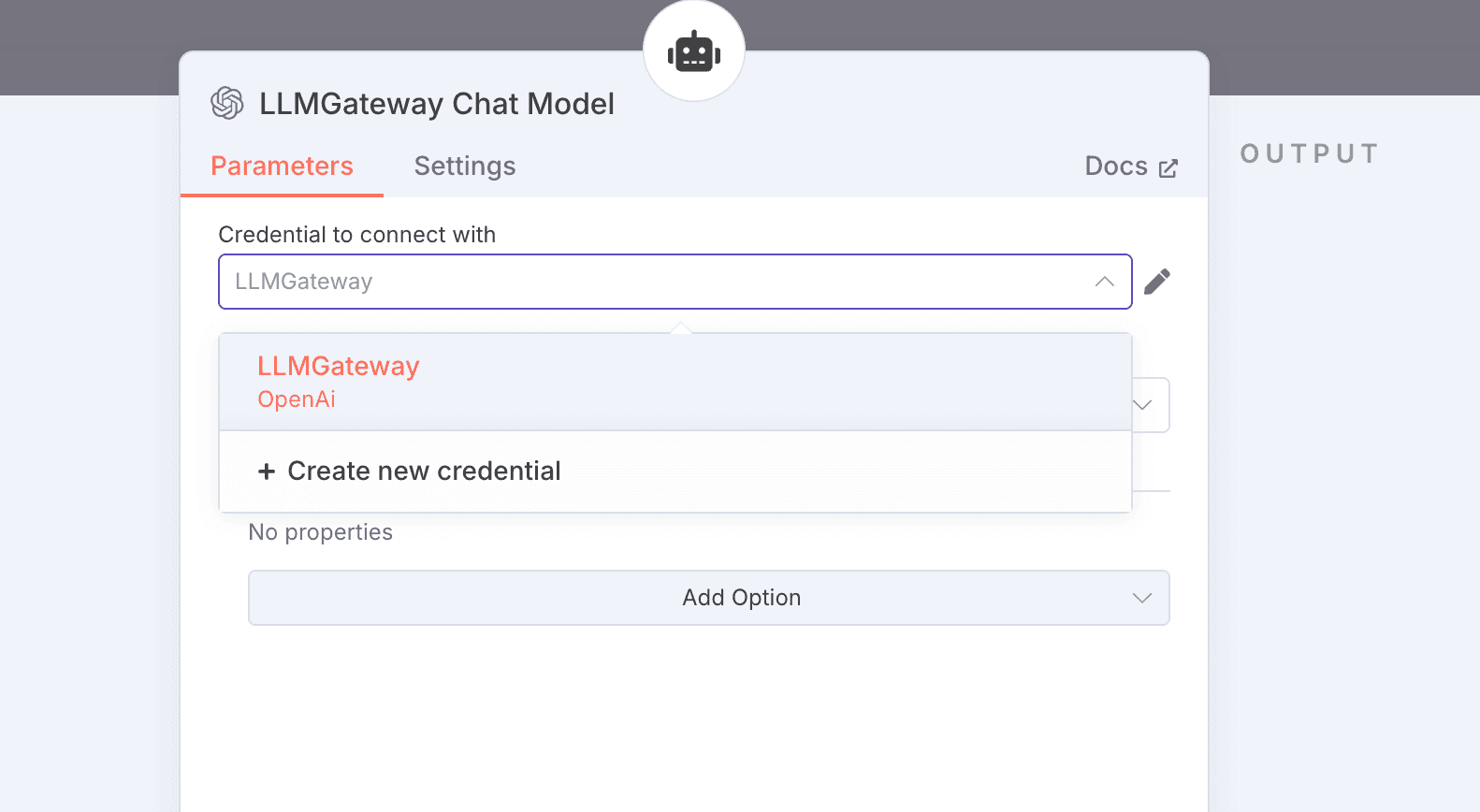
Add OpenAI Credentials
- In n8n, go to Settings → Credentials
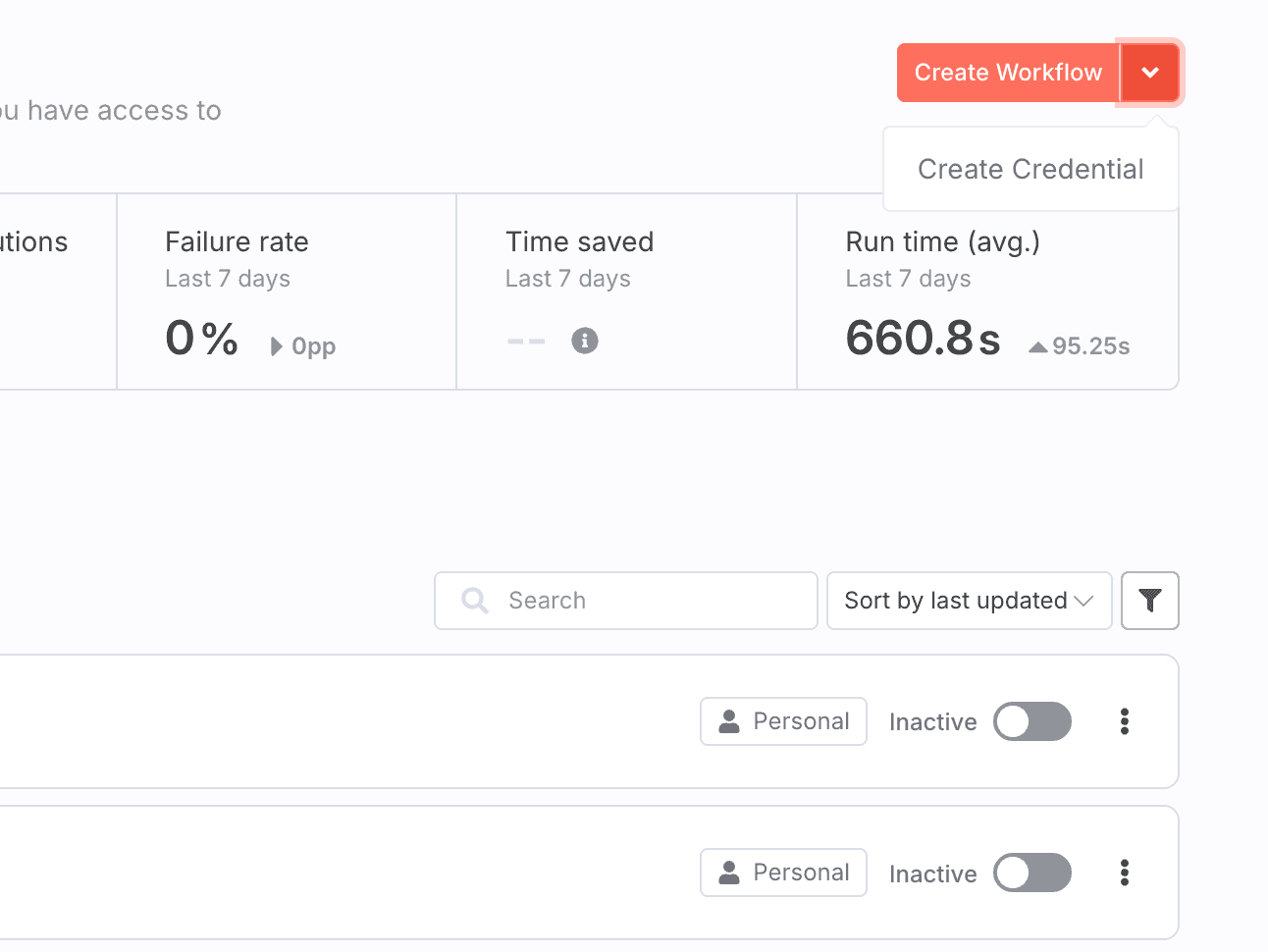
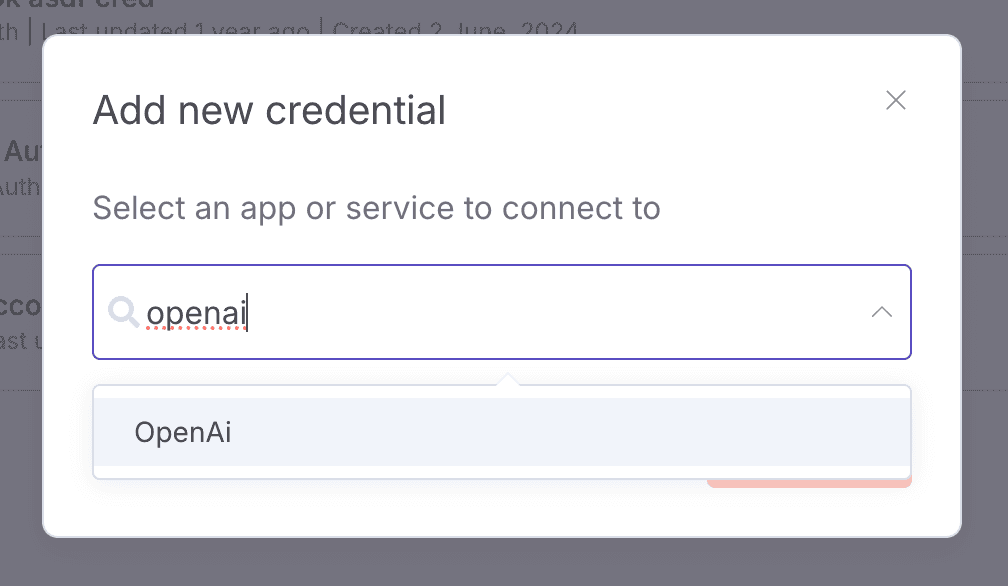
- Click Add Credential → OpenAI
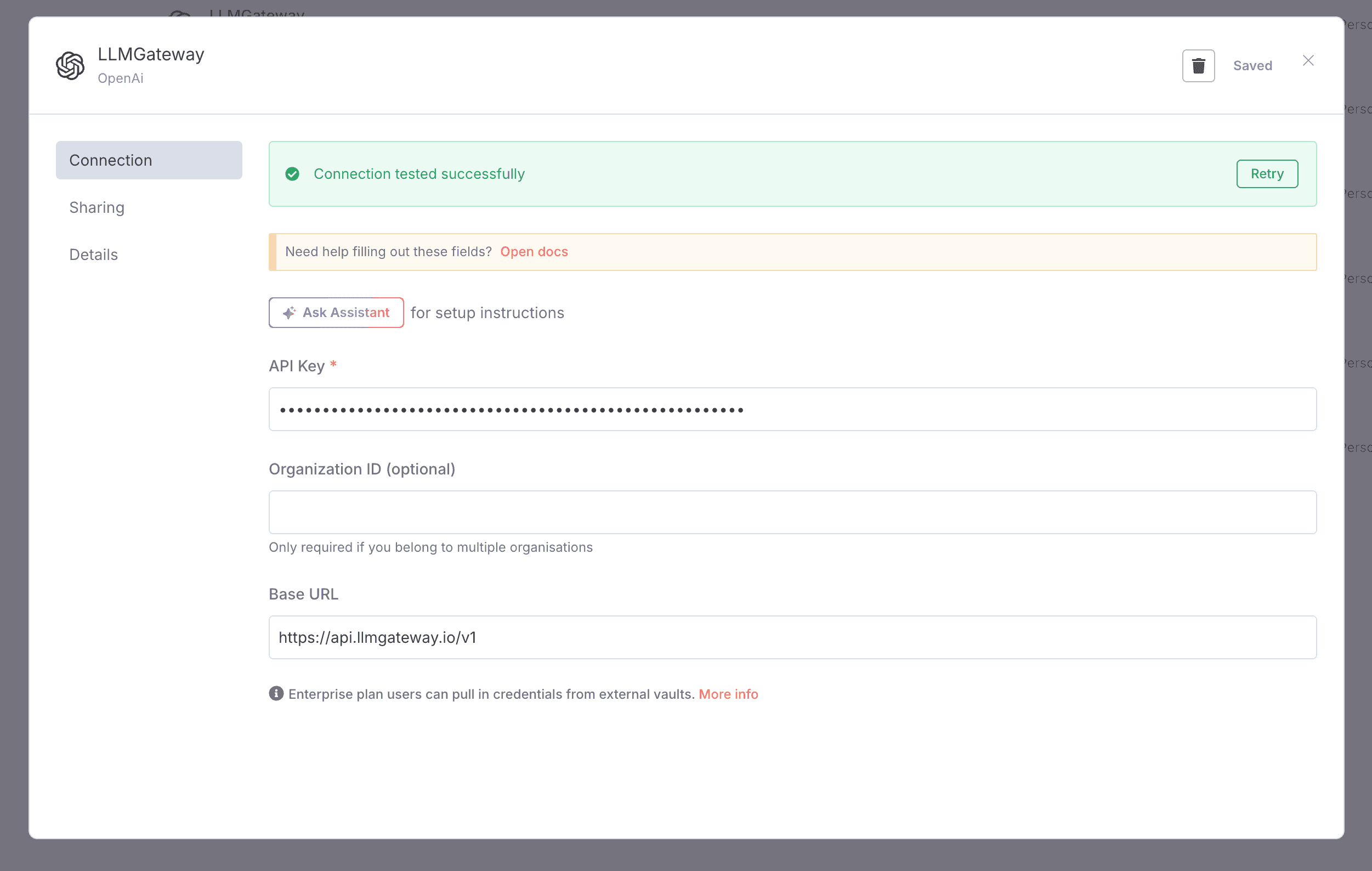
- Configure as follows:
- API Key: Your PassingRight API key
- Base URL:
https://api.passingright.io/v1 - Organization ID: Leave blank
Configure OpenAI Node
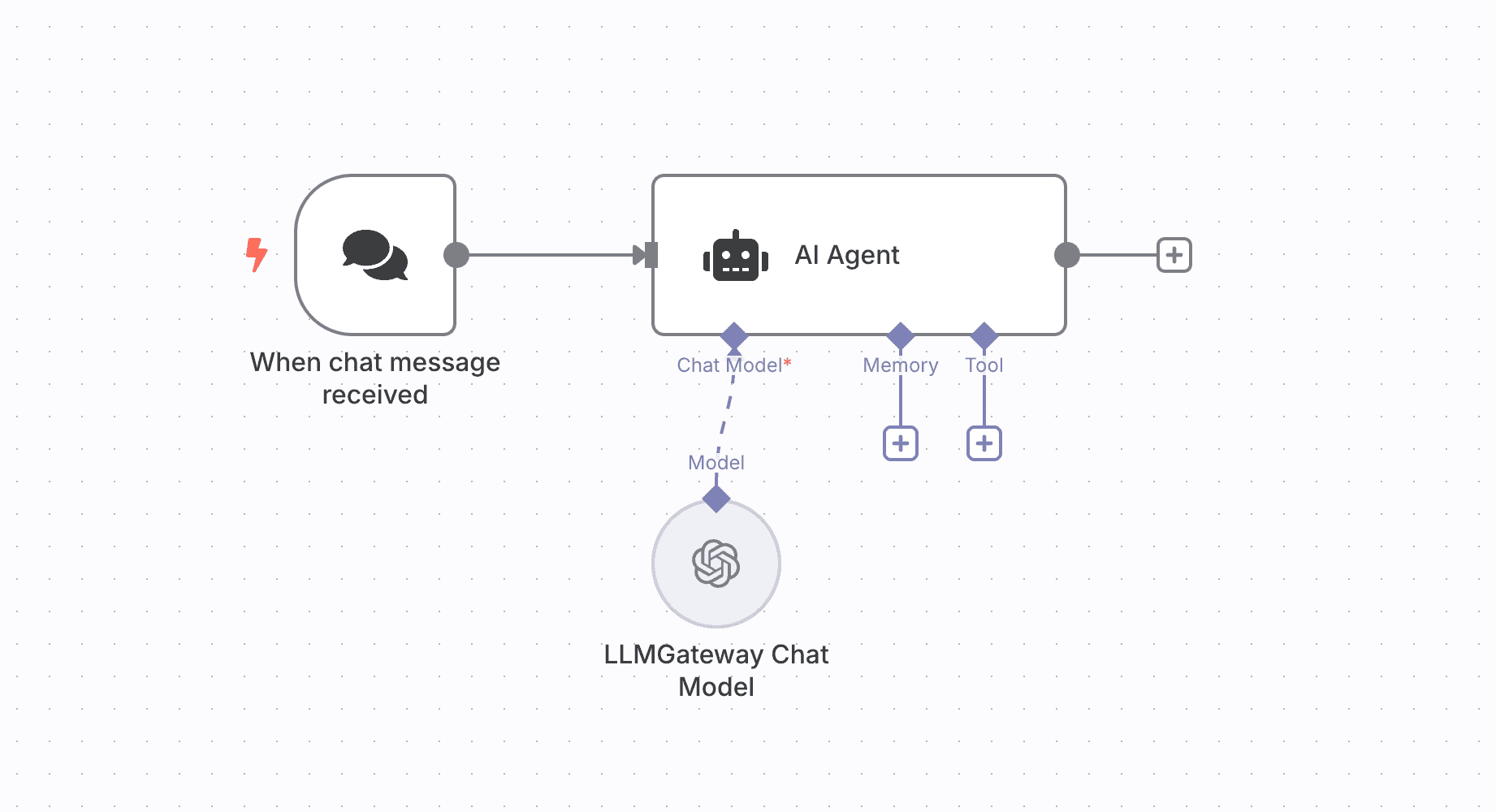
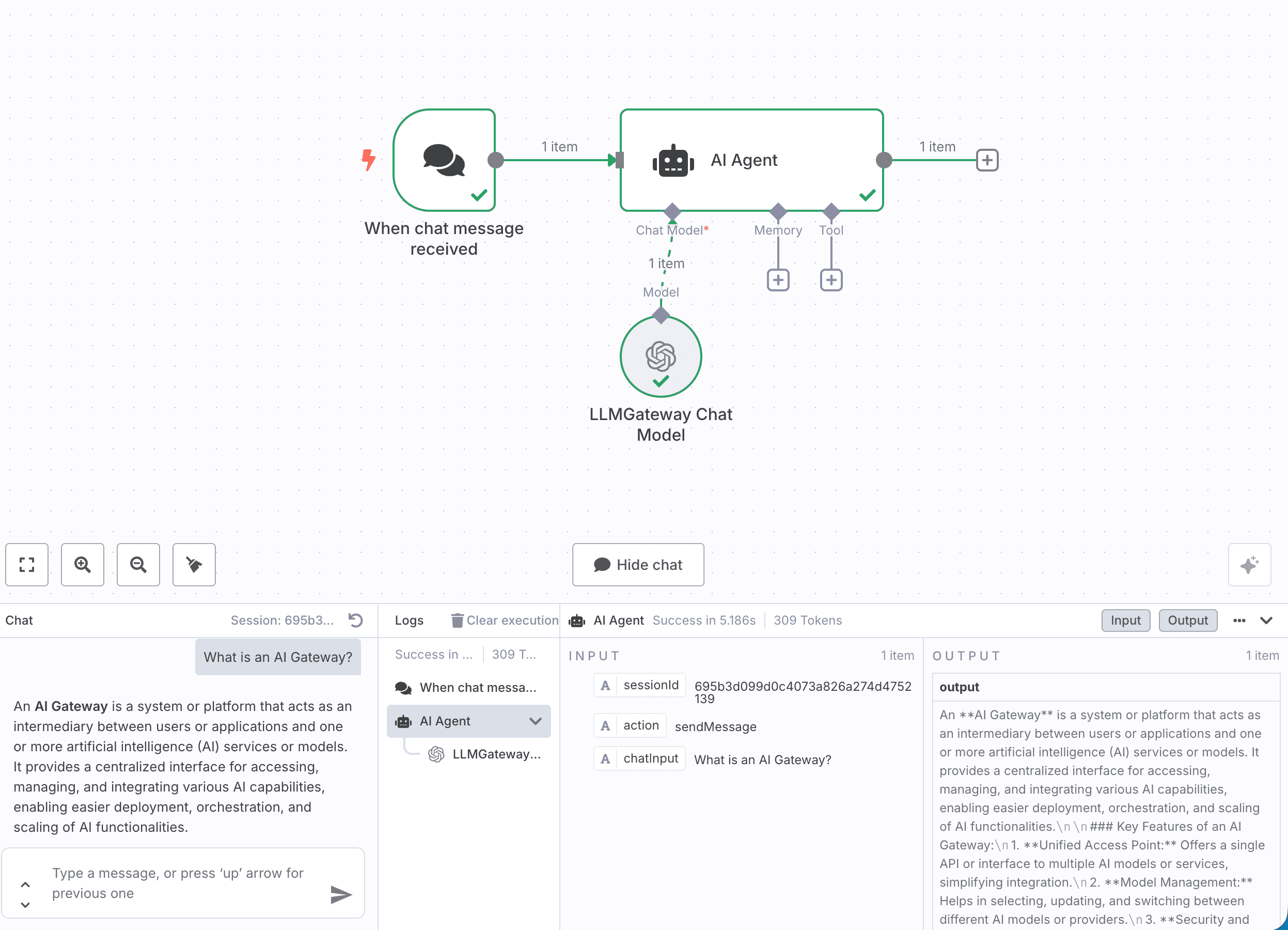
- Add an AI Agent node to your workflow
- Add a Chat Model edge to the node
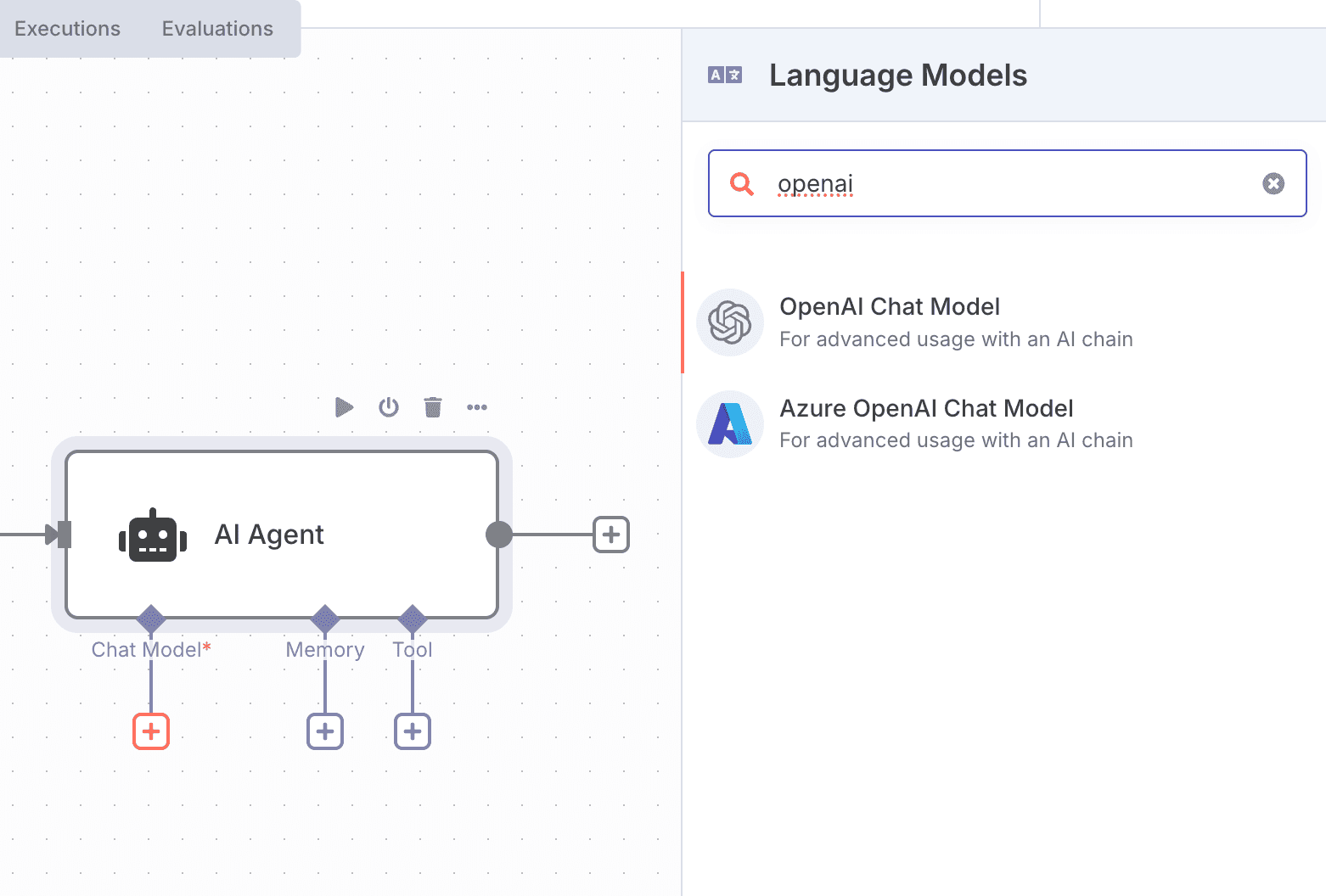
- Configure the node to use the PassingRight provider
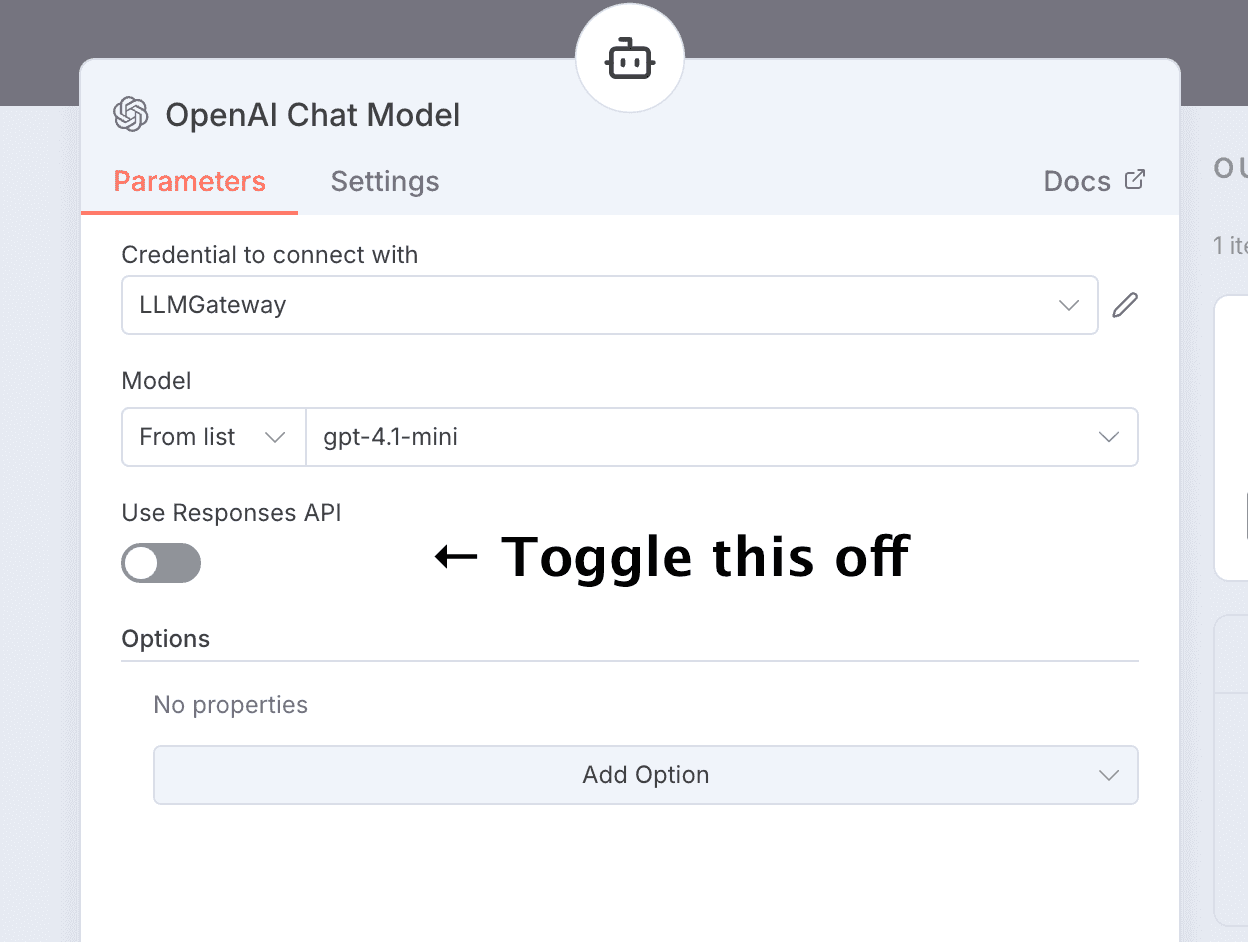
Note: You have to toggle off the responses API. PassingRight does not support it.
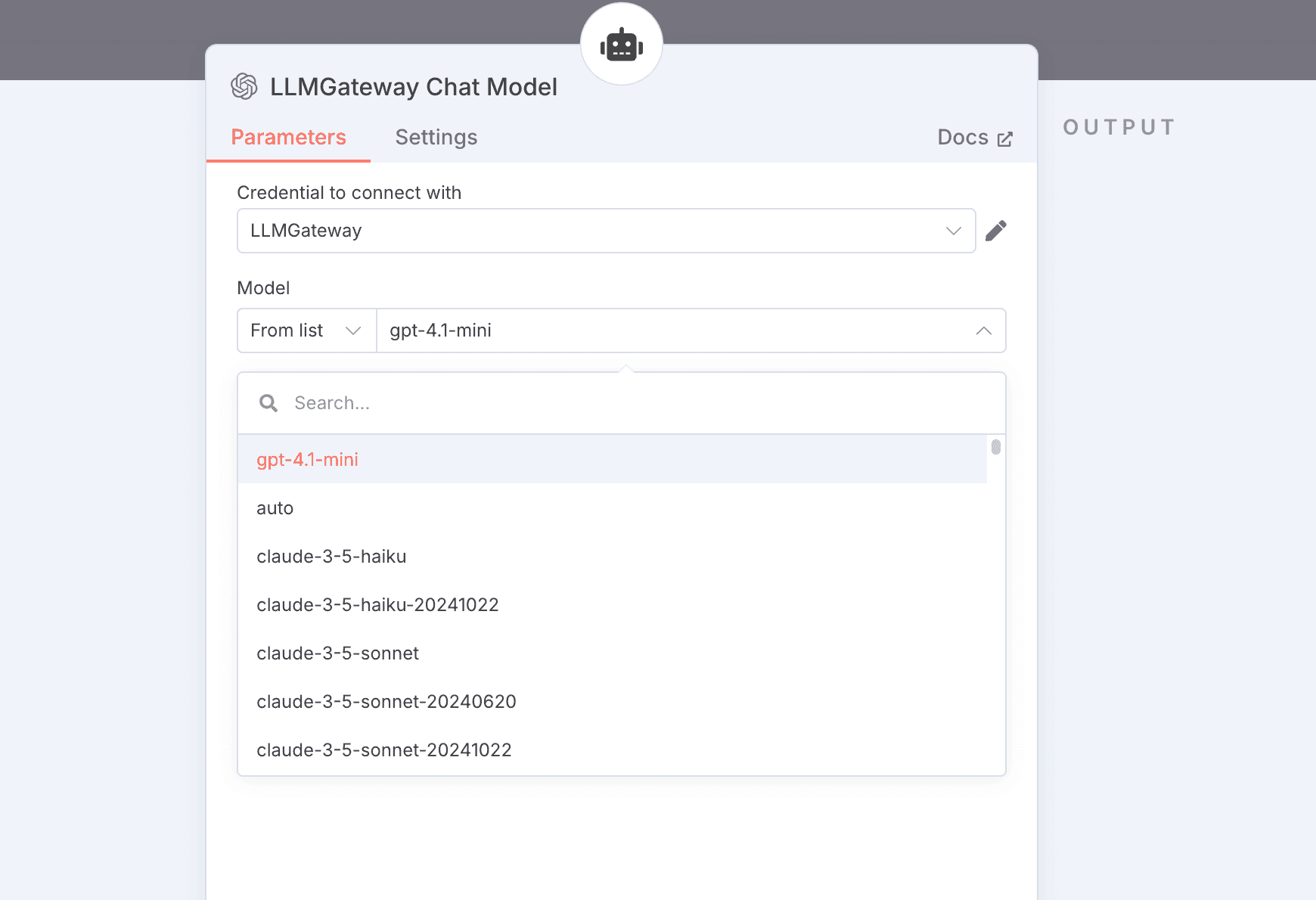
- Select your desired options
- Model: Use any PassingRight model ID (e.g.,
gpt-5) - Options: Optionally, configure LLM parameters
How is this guide?